How to Add Brat Text to a Photo (3 Easy Methods)
The brat aesthetic took over the internet when Charli XCX’s lime-green album cover dropped, and it hasn’t slowed down since. That blurry, lowercase, no-nonsense text became one of the most copied design trends in years.
If you want to slap brat-style text onto a photo — for a meme, a cover parody, or a social post — the good news is you don’t need any design skills. Below are three easy, free methods, so pick whichever matches your device. Upload your photo and try the free tool
Method 1: Use a Transparent PNG Overlay
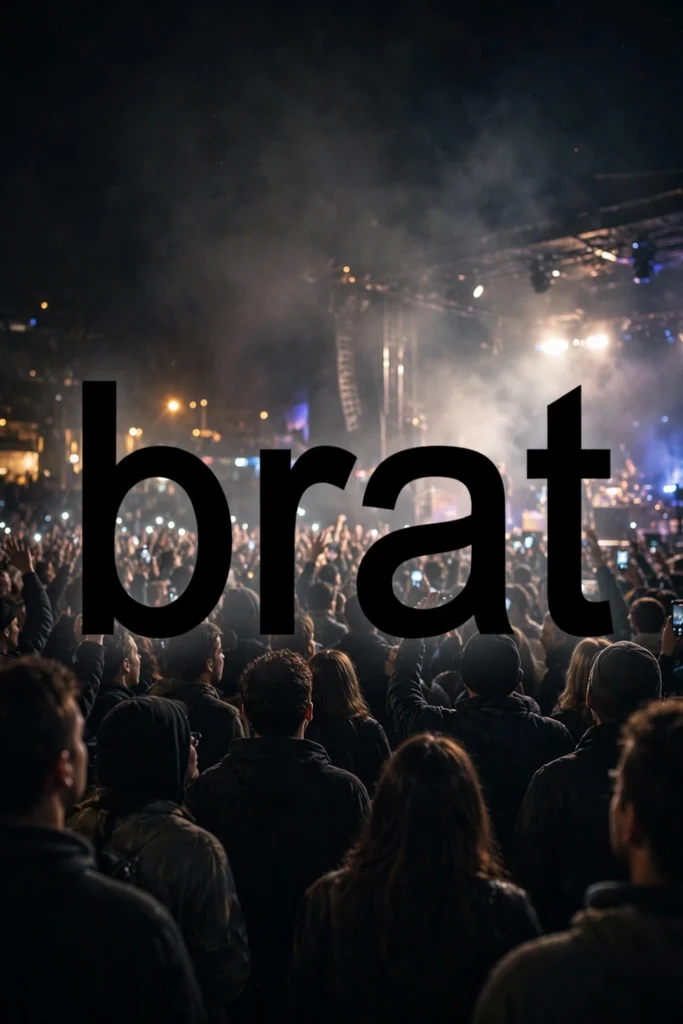
The fastest method starts with a transparent background PNG of brat-style text. Because the PNG’s background is invisible, you can drop the text straight onto any photo without an ugly colored box behind it.
Save a ready-made brat text PNG to your phone, then open your photo in any editor — your phone’s built-in Photos app, Canva, or even Instagram’s story editor. Import the PNG as a sticker or layer, resize it, and drag it where you want it.
That’s it — two minutes, done. It also keeps your text sharp — a PNG overlay stays crisp the way a screenshot of text never does. If you plan to reuse the same phrase on multiple photos, save the PNG to a dedicated album on your phone so it is always one tap away.
Method 2: Use Canva
Canva is the most beginner-friendly option for still photos, and it works on both desktop and mobile. Start a new design, upload your photo, and add a text box on top of it. Type your words in all lowercase — that’s the signature brat look.
For the font, pick something condensed like Arial Narrow; the original cover uses a squished Arial, so the closer the better. Set the text to black, and if you want the full album-cover vibe, give the text box a brat-green background (#89CC04). Resize the text so it sits comfortably across the photo, then download your image as a PNG or JPG.
For exact colors and layout, our guide to making a brat album cover walks through the details. One more Canva tip: duplicate your design to test different wordings without starting over. And if the photo is dark, flip the scheme — white text on the green box reads just as well.
Method 3: Use CapCut for Videos
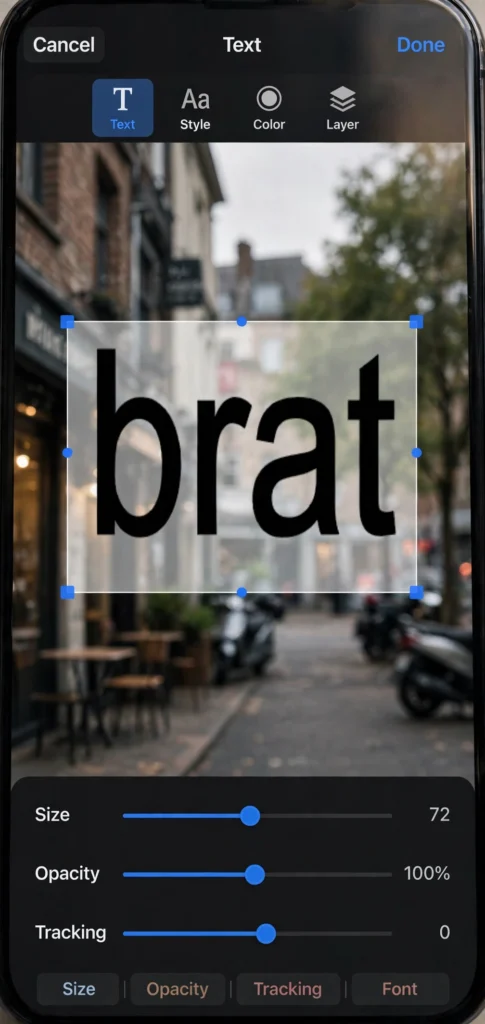
If your photo is actually part of a video or slideshow, CapCut is the free tool to reach for. Import your clip, tap Text, and add a text layer over it. Type in lowercase, choose a condensed sans-serif font, and style it black-on-green or plain black text depending on the vibe you want.
CapCut also lets you animate the text — sliding in, pulsing, or flickering like the promo clips around the album. For more ideas, check out our guide to brat video text.
Match the text timing to the beat by trimming the text layer’s duration on the timeline. A quick zoom-in animation on the text makes the whole clip feel closer to the official brat promos.
Tips for Readable Text on Photos
Readable text makes or breaks the joke. Keep your wording short — two to four words hits hardest. Place the text over the simplest part of the photo: open sky, a blank wall, or a blurred patch.
If the photo is busy, put a solid brat-green box behind the text or add a subtle dark shadow so the letters pop. Keep the text large — it should span at least half the photo’s width to read clearly on phone screens.
And remember: always lowercase. Uppercase instantly breaks the brat illusion.
How do I make brat text transparent?
Create your text on a transparent layer in an editor like Canva or Photoshop, then export as PNG — never JPG, since JPG files cannot hold transparency. Or skip the design step entirely and download a ready-made transparent brat text PNG.
Which app is best for brat text on photos?
Canva is the best all-rounder for still photos, and its free plan is plenty. For videos, CapCut is the top pick. If you already have a transparent PNG, even your phone’s built-in photo editor works fine.
Can I do it on iPhone?
Yes. Save a transparent brat text PNG to your camera roll, then layer it over your picture with the Photos app’s markup tools or a free app like Canva. No computer needed.
What font size works best?
Go big. The classic brat cover uses oversized text that nearly fills the width of the image. As a rule of thumb, your text should span at least half the photo’s width so it reads clearly on small screens.
Is it free?
Yes — every method in this guide uses free tools or free assets. Canva’s free plan and CapCut cost nothing, and ready-made transparent brat text PNGs are widely available for free.
Adding brat text to a photo takes about five minutes once you pick a method. The PNG overlay is fastest for quick memes, Canva gives you the most control over static images, and CapCut is the move for anything that moves. Keep it lowercase, keep it bold, and have fun with it.