
How to Make a Brat Album Cover (Step-by-Step Guide)
When Charli XCX released her album brat in June 2024, nobody expected the cover itself to become the story. A flat square of neon green with blurry lowercase text — that was the entire design. Yet that deliberately simple artwork sparked a whole summer of memes, parodies, and copycat covers across the internet.
The good news is that you can recreate the exact look yourself in just a few minutes, completely free. This step-by-step guide shows you how to make a brat album cover with the correct green, the right font, and the signature blurry finish. You can start creating today with our free brat generator
What You Need Before You Start
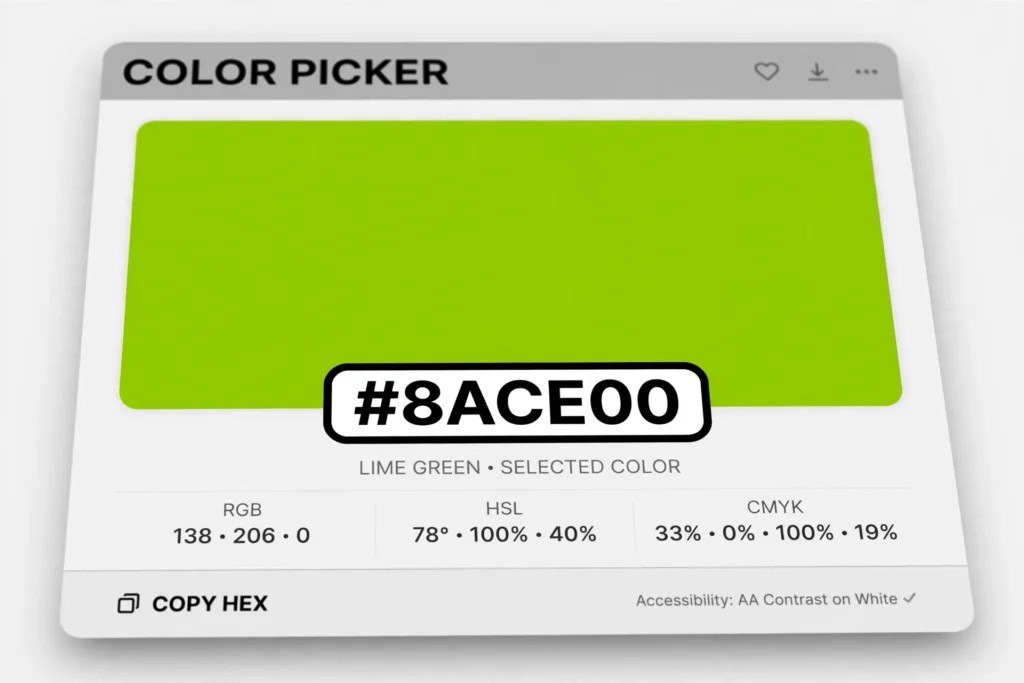
Before you open any tool, gather the essentials. You will need the official brat green color (hex code #8ACE00), a copy of the Arial Narrow typeface — it ships with Windows and macOS, so you probably already have it — and a short piece of text, ideally one to three words in all lowercase.
You will also want an image editor or a free brat generator that handles the background, text, and blur for you. Using a generator is the fastest route, because it applies the exact color, font, and layout automatically instead of making you set everything up by hand.
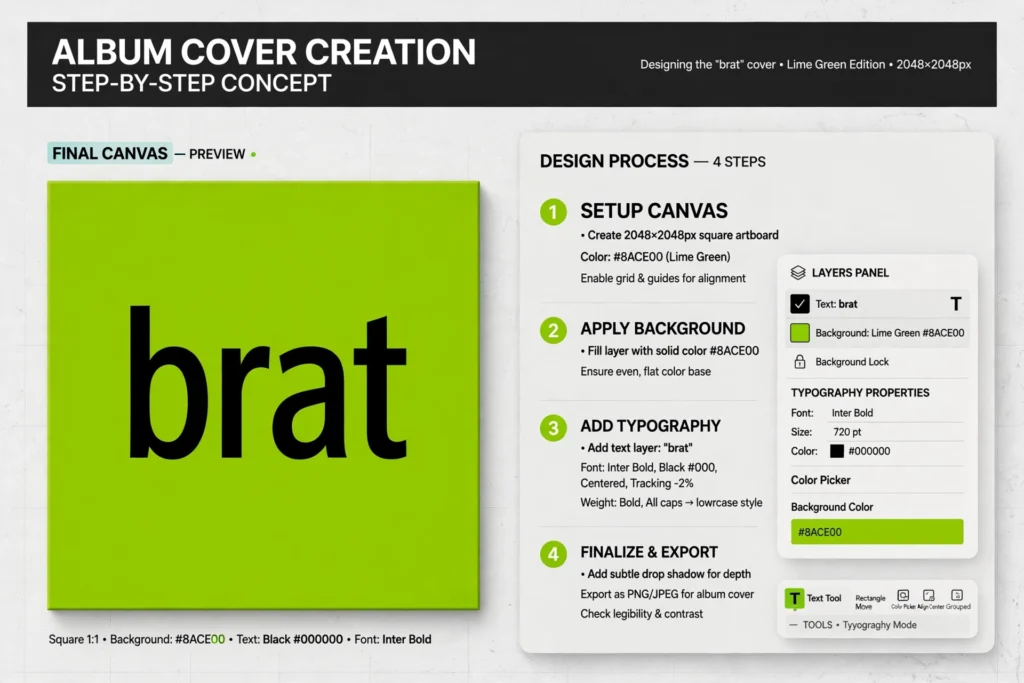
Step 1: Set the Brat Green Background (#8ACE00)
The single most important part of the cover is the background. The official brat green is a sharp, acidic lime with the hex code #8ACE00. Fill a square canvas — 1080 × 1080 pixels is a safe choice for social media — with this exact color. Do not eyeball it: even slightly different greens look wrong to fans who know the original
artwork. If you are designing from scratch, type #8ACE00 directly into your color picker. Our reference page lists the exact brat green hex code along with matching shades and the full color palette, so you can keep every element of your design consistent.
Step 2: Add Your Text in Arial Narrow
The original cover sets its text in Arial Narrow Bold, kept lowercase and stretched slightly across the middle of the square. Choose one to three words — shorter is better — and type them in Arial Narrow at a bold weight.
On Charli XCX’s cover the text sits small and centered, leaving plenty of green space around it. If you want the typography to be pixel-perfect, read our breakdown of the brat font, which covers the exact weight, size ratio, and spacing used on the album.
Step 3: Nail the Blurry, Low-Res Look
The signature detail of the brat cover is its deliberately blurry, low-resolution text. Apply a slight Gaussian blur to your text layer — just enough to soften the edges without making the words unreadable. This gives the cover its raw, bootleg energy, and it is the step most recreations get wrong by leaving the text too sharp.
Aim for the look of a JPEG that has been saved one too many times. A good brat generator applies this blur automatically, so you never have to guess the right amount.
Step 4: Export and Share
Export your cover as a PNG or high-quality JPEG at 1080 × 1080 pixels or larger — PNG keeps the flat green background crisp. Then share it wherever you like: as a profile picture, a meme, or a fake album announcement. If you want to take the same style beyond the classic square, the free Brat Poster Maker on this site turns the brat look into posters and social graphics with just a few clicks.
Pro Tips for an Authentic Cover
Keep the text lowercase — all caps breaks the look instantly. Stick to one short phrase, since long sentences clutter the minimal design. Do not add shadows, gradients, or borders; the original has none.
Keep the text small relative to the canvas and roughly centered. Finally, embrace imperfection: the blur is a feature, not a mistake. With these details in place, your cover will be nearly indistinguishable from the real thing.
That is all it takes. With the right green, Arial Narrow Bold, and a touch of blur, you can make a brat album cover in under five minutes. Start with a free generator, tweak the text until it feels right, and share your version with the world.
What is the exact brat album cover color?
The official color is brat green, hex code #8ACE00 — a sharp, acidic lime. Using this exact value is the easiest way to make your cover look authentic, since even small shifts in hue are noticeable to fans of the album.
What font is used on the brat cover?
The cover uses Arial Narrow Bold, set in lowercase with a slight blur. The text is small and centered on the green square, leaving lots of empty space around it for that minimal look.
Can I make a brat album cover for free?
Yes. A free brat generator lets you type your text, applies the correct green, font, and blur automatically, and exports your cover as a PNG. No design skills or paid software are needed.
What size should the cover be?
Keep it square. 1080 × 1080 pixels works well for social media and profile pictures, while 3000 × 3000 pixels is better if you want a crisp, high-resolution file.
Can I put the text on my own photo?
You can, although the classic look is text on the flat green background. Many generators let you upload a photo and overlay blurred brat-style text on top for a custom twist.


5 Comments