Brat Font Generator: Type Text in the Brat Font Free
The brat look is easy to spot: plain lowercase text, slightly blurred, sitting on a loud lime green background. You do not need design software to make it. A brat font generator does the whole job in your browser — you type, it styles, you download.
This guide explains how these tools work, which output options matter, and how to get a clean result for posts, covers, edits, and memes.
What Is a Brat Font Generator?
A brat font generator (also called a brat text generator online) is a simple tool that turns your words into the brat album style. Instead of installing a font and lining everything up by hand, the generator applies the font, the spacing, and the background for you.
Most tools give you a text box, a color picker, and a download button. That is really all the brat style needs, because the original cover design is deliberately plain.
If you are curious about the typeface itself, our guide on what font is the brat album cover breaks down the font and why it looks the way it does.
How to Use One, Step by Step
Start by typing your word or short phrase into the box. Brat text works best short — one to five words, all lowercase, no fancy punctuation.
Next, pick your background. The classic choice is the signature lime green, but most tools let you choose other colors too. Then set the text color, preview the result, and download it in the format you need.
If a line looks off, shorten it. Long sentences lose the brat feel fast, because the style depends on empty space around the text.
Every tool works a little differently, but the steps above match what you get with a good brat generator — type, style, download, done.
Copy and Paste, PNG, and Transparent Options
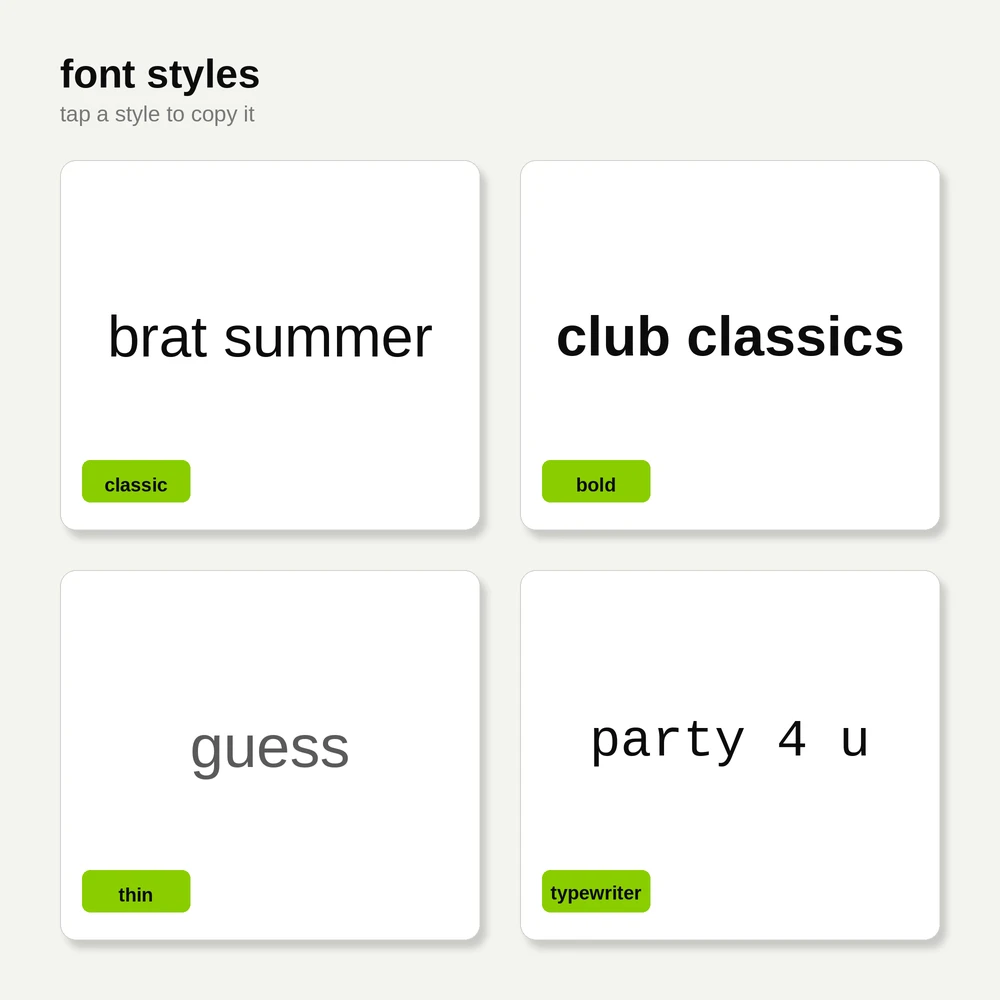
The most searched feature is brat font generator copy and paste. Some tools output styled text you can copy straight into a bio, caption, or chat. This works when the platform keeps the styling, but many apps strip it out.
That is why image output is usually safer. A brat font generator PNG saves your text as a picture, so it looks identical everywhere — on Instagram, TikTok, Discord, or a video thumbnail.
Need to place the text over your own photo or design? Choose the brat font generator transparent background option. The download then has no background at all, just the text, ready to drop onto anything. Our full walkthrough on making brat text with a transparent background covers sizes and file tips.
Any Color, White Text, and Text on Images
The green is iconic, but it is not the only option. With a brat font generator any color setting, you can match the background to your photo, your brand, or a party theme. Black, pink, and white versions are popular for a softer look.
For dark backgrounds, try brat font generator white text. White lowercase text on black keeps the same attitude and is easier to read in videos and stories.
There is also the brat font generator on image option, where you upload a photo first and the tool places brat text directly on it. This is the fastest way to make cover-style edits and reaction images.

Generator or Font Download: Which Is Better?
A generator is better for one-off designs. It is fast, free, and works on your phone with nothing to install.
Downloading the font makes sense if you edit often in apps like Photoshop or CapCut and want total control. In that case, start with our brat font free download guide, which covers safe sources and how to install the font on different devices.
Many people use both: the generator for quick posts, and the downloaded font for longer projects.
FAQs
Is a brat font generator free to use?
Yes. Most brat font generators are completely free, with no sign-up and no watermark on the download. You type your text, style it, and save the image in seconds.
Can I copy and paste brat font text into Instagram?
Sometimes. If the tool gives you copy-and-paste text, it may work in bios and comments, but many apps remove the styling. Downloading a PNG image is the reliable option because it looks the same on every platform.
What is the difference between a brat font generator and a brat text generator?
They are the same thing. Both names describe a tool that styles your text in the brat album look. Some tools focus on plain text output, while others focus on downloadable images.
Can I make brat text with a transparent background?
Yes. Choose the transparent background option before downloading, and the tool will save a PNG with only the text and no color behind it, ready to place on photos or videos.
Which color is the real brat green?
The album cover uses a lime green shade close to #89CC04. Most generators set this as the default, and you can adjust it or switch to any color you like.
Conclusion
A brat font generator is the quickest way to get the brat look without software or design skills. Keep your text short, pick your color, and download a PNG when you want the style to survive on every platform. Once you make your first one, the whole process takes under a minute.