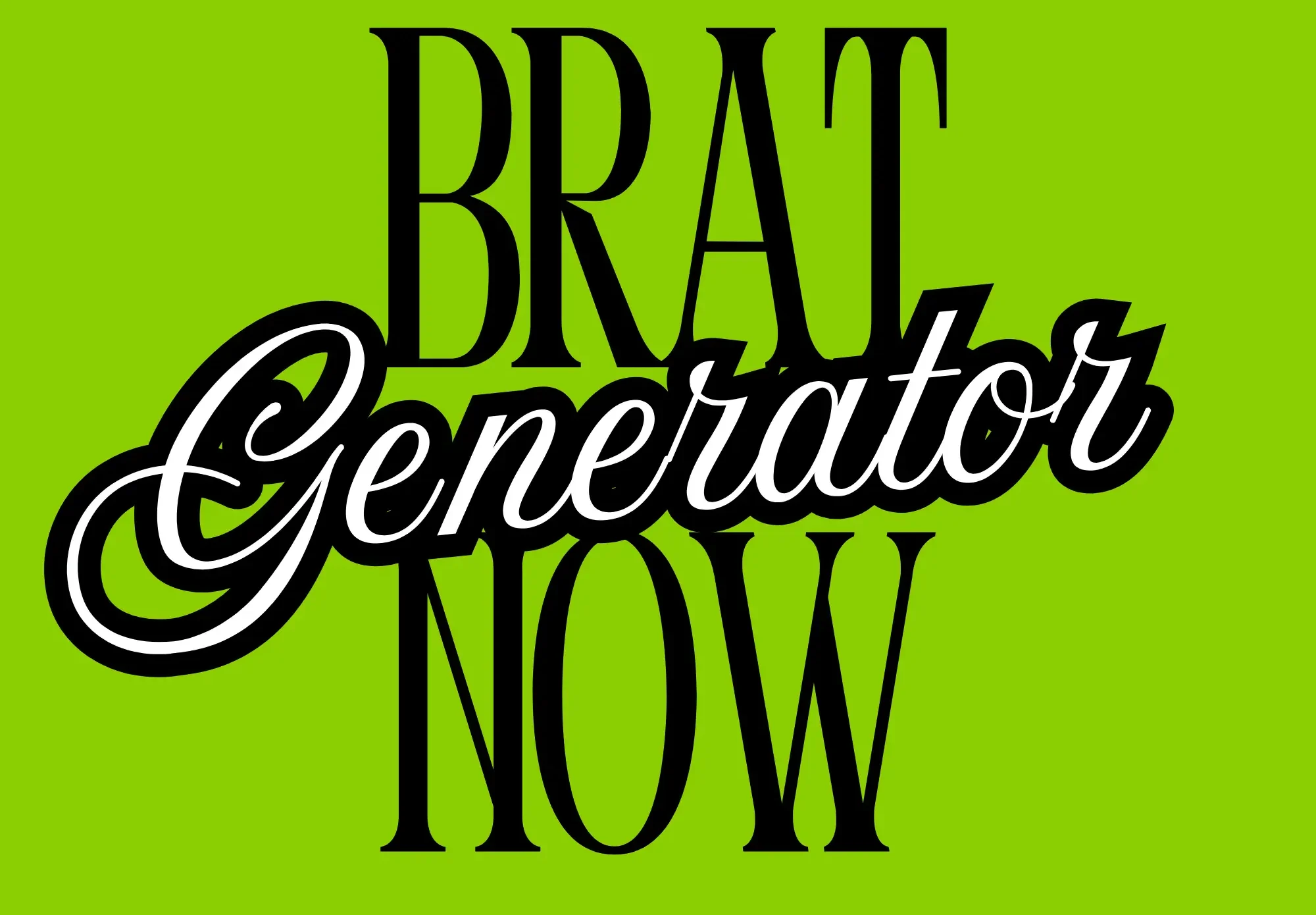
Design bold, trendy, and eye-catching visuals with our free Brat Poster Maker. Make brat-style posters for social media, memes, or art. Complete the task with speed and simplicity!
Brat Poster Maker
Create aesthetic brat-style posters
How to Make a Poster with the Brat Poster Maker
Making a brat-style poster takes less than a minute. Here’s how:
- Type your text. Short hits harder — one to five words is the sweet spot. Think “brat summer,” “club classic,” or your event name.
- Pick your background. Brat green (#8ACF00) is the iconic choice, but black, white, and pink all work for different moods.
- Style your text. Adjust the font size and letter spacing until it looks right. Bigger is usually better with brat.
- Preview it live. What you see is exactly what you get — no surprises after downloading.
- Download your PNG. One click and your poster is saved, ready to print or post. No account, no watermark, no waiting.
Key Features of the Free Brat Poster Maker
- Completely free — every feature is unlocked, no paywalls or trials.
- No sign-up needed — open the page and start designing instantly.
- Live preview — every change appears in real time.
- Custom colors — pick any text and background color combination.
- Adjustable typography — control font size and letter spacing with sliders.
- Instant PNG download — high-quality image file in one click.
- Mobile-friendly — design posters right from your phone.
- No watermark — your poster is clean and ready to use anywhere.
Brat Poster Ideas to Try
Stuck for ideas? Here are proven winners:
- Party invitations — “mia’s brat birthday” on green is an instant classic for group chats and stories.
- Bedroom wall art — print your favorite word at large size for cheap, cool dorm decor.
- Event flyers — club nights, gigs, and DJ sets look perfect in brat style.
- Social announcements — new song drop, merch launch, or big news.
- Meme posters — an inside joke in blurry Arial on green never misses.
- Motivational prints — ironic or unironic, “stay brat” belongs on a wall.
Want captions to go with your poster? Try our Brat Caption Generator.
Design Tips for the Perfect Brat Poster
- Less text, more impact. The brat aesthetic is minimal — let one strong phrase carry the whole poster.
- Go high-contrast. Dark text on brat green (or white on black) is the most readable and most iconic combo.
- Size it up. Timid, small text kills the vibe. Push the font size until it feels slightly too big — that’s usually just right.
- Keep it lowercase. The whole brat look is built on casual lowercase type. ALL CAPS feels wrong here.
- Embrace imperfection. Slightly blurry, off-center, raw — that’s the aesthetic. Don’t over-polish it.
- Match colors to mood. Green for classic brat, black for edgy, pink for playful.
Frequently Asked Questions
Is the Brat Poster Maker really free?
Yes — completely free, with every feature unlocked. No trials, no premium tier, no hidden costs.
Do I need to create an account?
No. There is no sign-up, no login, and no email required. Just open the page and start making posters.
What is the brat green hex code?
The iconic brat green is #8ACF00 (sometimes written as #8ACE00). It’s pre-loaded in the color picker.
Can I use my poster for commercial purposes?
Yes — posters you create are yours to use, including for events, merch, and promotions.
Does the poster have a watermark?
No. Downloads are clean, with nothing added to your design.
What file format do I get?
A PNG image file, ready to print, share on social media, or use anywhere. Also check out the main Brat Generator tool for more styles.