

Brat PFP Maker: Create a Brat Profile Picture Free
A profile picture says a lot before you post a single word. If your feed is full of brat green, a brat PFP is the fastest way to join the look. The good news: you don’t need design skills or a paid app. A simple brat pfp maker turns your name or a short word into that famous blurry green square in under a minute.
This guide explains how a brat pfp generator works, the styles people are using right now, and how to get a clean result on every platform.
What Is a Brat PFP?
A brat PFP is a profile picture styled after Charli XCX’s “brat” album cover. The recipe is simple: a loud lime-green background, lowercase black text in a plain Arial-style font, and a slightly blurred, low-effort finish. That rough look is the whole point. It is meant to feel careless, funny and a bit messy.
People use brat PFPs on TikTok, Instagram, X, Discord and WhatsApp. Some copy the album cover exactly with their username. Others use a single word, a lyric or a joke only their friends understand. Because the design is so simple, it works at any size, even as a tiny circle in a comment thread.
Most people set one with the brat generator and crop it square, which takes less than a minute.
How to Make a Brat PFP in 4 Steps
You only need a word, a color and a square crop. Here is the full process:
Step 1: Pick your text. Your username works best. Short text reads better in a small circle, so one to three words is ideal. Full names, song titles and inside jokes all work too.
Step 2: Type it into the maker. Enter your text and choose the classic brat green background. Keep the text black and lowercase for the real album look.
Step 3: Save and crop it square. Profile pictures display as squares or circles, so crop your image 1:1. Leave some green space around the text so nothing gets cut off in the circle crop.
Step 4: Upload it everywhere. Use the same PFP on TikTok, Instagram and Discord so people recognize you across apps.
That is honestly all there is to it. The charm of a brat text pfp is that it looks like you spent no time on it at all.
5 Brat PFP Styles People Love
Not every brat PFP is a plain copy of the album cover. Here are the styles that show up most:
1. The classic brat green pfp. Green background, your name in black lowercase text. The original and still the most used.
2. The brat pfp charli xcx style. Fans copy the cover word-for-word and swap “brat” for their own name in the exact same font and blur. It reads instantly as a fan tribute.
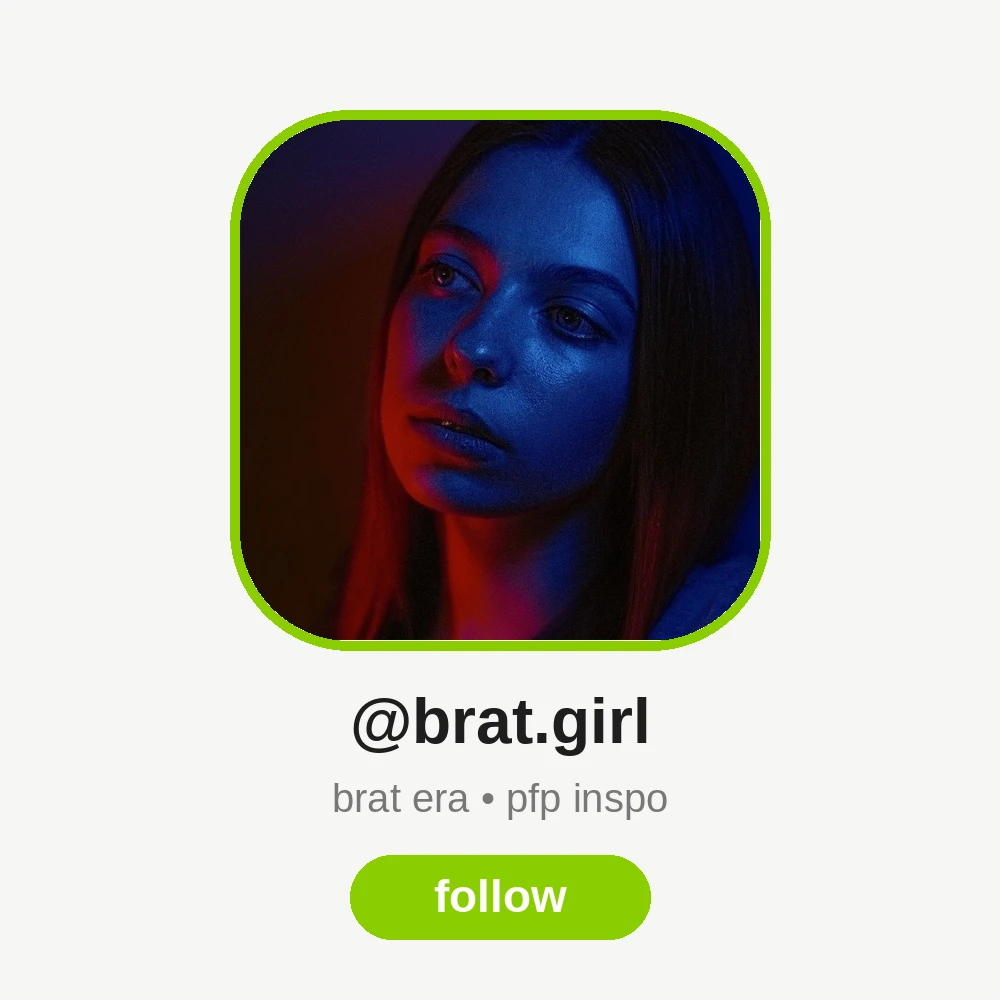
3. The brat girl pfp. A softer spin, often with a selfie, a green filter and brat text over the top. It mixes the album look with a personal photo.
4. The brat text pfp. Just one bold word: “angel”, “icon”, “problem”, or a lyric fragment. Short, smug and very screenshot-able.
5. The color-swap pfp. The deluxe white cover, the black remix cover or even pink. Same layout, different background, for people who want the reference without the green.
Want the matching look behind your profile too? The same designs work as a brat wallpaper for your phone or laptop.
Tips for a PFP That Actually Reads Well
A few small choices make a big difference at tiny sizes:
- Keep text under 15 characters. Long words shrink into a green blur nobody can read.
- Test the circle crop. Most apps cut the corners. Preview before you save.
- Use real brat green. The exact shade matters; too yellow or too dark and it stops looking like the album.
- Skip extra stickers at first. The plain version is the statement. If you want more, a brat sticker maker can add matching sticker versions of your PFP for chats.
- Pair it with a brat bio. A short lowercase bio completes the joke.
If your PFP starts from a photo instead of plain text, you can add brat text to a photo first, then crop it square the same way.
FAQs
What size should a brat PFP be?
A square image of at least 800 x 800 pixels works everywhere. TikTok, Instagram and Discord all crop to a circle or square, so keep your text in the center with green space around it.
Can I use a brat PFP on WhatsApp and Discord?
Yes. The same square image works on WhatsApp, Discord, Telegram and every other app. Just save the PNG and upload it as your profile picture in each app’s settings.
What text should I put on my brat PFP?
Your username is the safest choice. One-word options like “icon”, “angel” or “brat” itself are popular too. Short text stays readable when the picture is shown very small.
Is a brat pfp maker free to use?
Yes, online brat pfp makers are free. You type your text, pick the green background and download the image. No sign-up or watermark is needed on most tools.
How do I get the exact brat green color?
Use the classic album green, a bright lime shade. Most makers load it by default, so you don’t need the hex code. If a tool asks, brat green is #89CC04.
Conclusion
A brat PFP is the easiest piece of the whole brat look: green square, lowercase text, zero effort. Pick a short word, run it through a maker, crop it square and use it everywhere. In five minutes your profile goes from default to instantly recognizable.




One Comment