

Brat Sticker Maker: Make Brat Stickers for WhatsApp
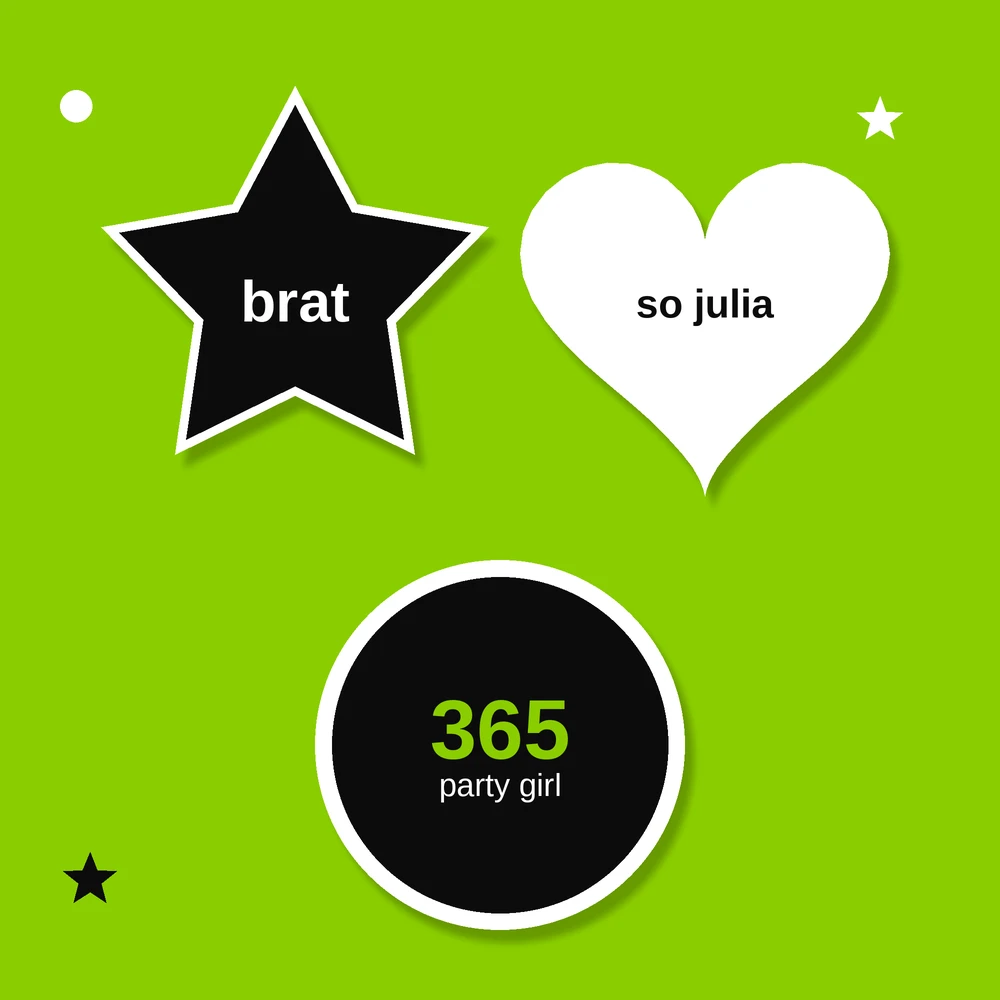
Some group chats run on stickers. A well-timed brat sticker — green, blunt and a little bit rude — lands better than any typed reply. If you have ever saved someone else’s brat stickers and wished they said your words instead, a brat sticker maker is exactly what you need.
This guide shows how to make your own brat sticker pack, from the first word to a full set on WhatsApp.
Why Brat Stickers Work So Well
The brat album style was almost designed for stickers. It is high contrast, easy to read at small sizes, and instantly recognizable. One word in black on brat green carries a whole mood: unbothered, smug, done with the conversation.
Stickers also travel. A good brat sticker gets forwarded, saved and reused by people who have never heard your name. That is why custom ones beat generic packs. Your in-jokes, your catchphrases, your group’s drama, all in brat green.
You can create the base designs with a brat text generator, save them with clear backgrounds, and turn them into stickers in a few taps.
How to Make Brat Stickers for WhatsApp
WhatsApp stickers need a transparent background and a square shape. Here is the simple way to get both:
Step 1: Write short sticker lines. One to four words work best: “no”, “be so fr”, “as if”, “delulu”, “ok brat”. Think replies, not sentences.
Step 2: Generate the design. Type each line into a brat sticker generator with the green background, or generate brat text and remove the background so the sticker floats cleanly in chat.
Step 3: Export as PNG with transparency. WhatsApp stickers must be 512 x 512 PNG (or WebP) files with a transparent background. Keep a small empty margin around the text.
Step 4: Add the pack to WhatsApp. Use a sticker maker app, open your saved images, create a pack, give it a name and add at least three stickers. WhatsApp requires a minimum of three per pack.

Once the pack is added, your stickers sit in the sticker tray like any official pack, ready for every group chat argument.
10 Brat Sticker Lines Worth Making
Short on ideas? These lines cover most chat situations:
- no. — the universal answer
- be so for real — for unbelievable stories
- delulu — for your most confident friend
- as if — pure dismissal
- ok and? — unbothered energy
- brat — just the word, nothing else
- 365 — for party plans
- iconic — for great news
- girl, please — gentle chaos
- it’s brat o’clock — for Friday afternoons
A mixed brat sticker pack like this handles 90% of group chat moments. If your friends are Charli fans, a brat sticker charli xcx set with lyric lines (“I might say something stupid”, “guess”, “360”) goes even harder. Pair them with a matching brat meme maker design and your whole chat kit speaks the same language.
Transparent vs Green Background: Which Is Better?
Both styles work, and most people keep a few of each:
Full green squares copy the album cover exactly. They read as mini album covers and stand out in the sticker tray.
Transparent cut-outs show only the text. They feel more like classic stickers and blend into the chat background.
If you go transparent, start from a clean brat text PNG so the edges stay smooth. Blurry edges are fine for the album look, but messy cut-outs just look broken.
Tips for a Sticker Pack People Actually Use
- Make replies, not quotes. Stickers get used when they answer something. Keep lines reactive.
- Stay under four words. Chat moves fast; long stickers get ignored.
- Keep one style. Same green, same font, same size. A pack that matches looks professional.
- Add your group’s jokes. Two or three personal ones make the pack yours. A brat pfp maker can turn the same words into matching profile pictures for the whole group.
FAQs
How many stickers does a WhatsApp pack need?
A WhatsApp sticker pack needs at least 3 stickers and can hold up to 30. Most people start with 8 to 12 strong lines and add more later.
What size should brat stickers be?
WhatsApp stickers are 512 x 512 pixels. Keep your text in the middle with a clear margin, and export as PNG or WebP under 100 KB per sticker.
Can I make brat stickers with a transparent background?
Yes. Generate the text, remove the background, and save it as a transparent PNG. Transparent stickers show only the words and work on any chat background.
Are brat sticker makers free?
Yes, brat sticker generators and WhatsApp sticker apps are free. You can design, export and add a full pack without paying or signing up.
Can I use brat stickers on Telegram and iMessage?
Yes. The same PNG files work on Telegram through its sticker bot, and on iMessage if you save them through a sticker app. The design process is identical.
Conclusion
A brat sticker pack is small work for a big payoff: your words, your jokes, your group’s whole personality in brat green. Write short lines, export them clean, and add the pack to WhatsApp. Your group chat will never go back to plain text replies.


