

Brat Logo Generator: Make a Brat Logo Free (PNG)
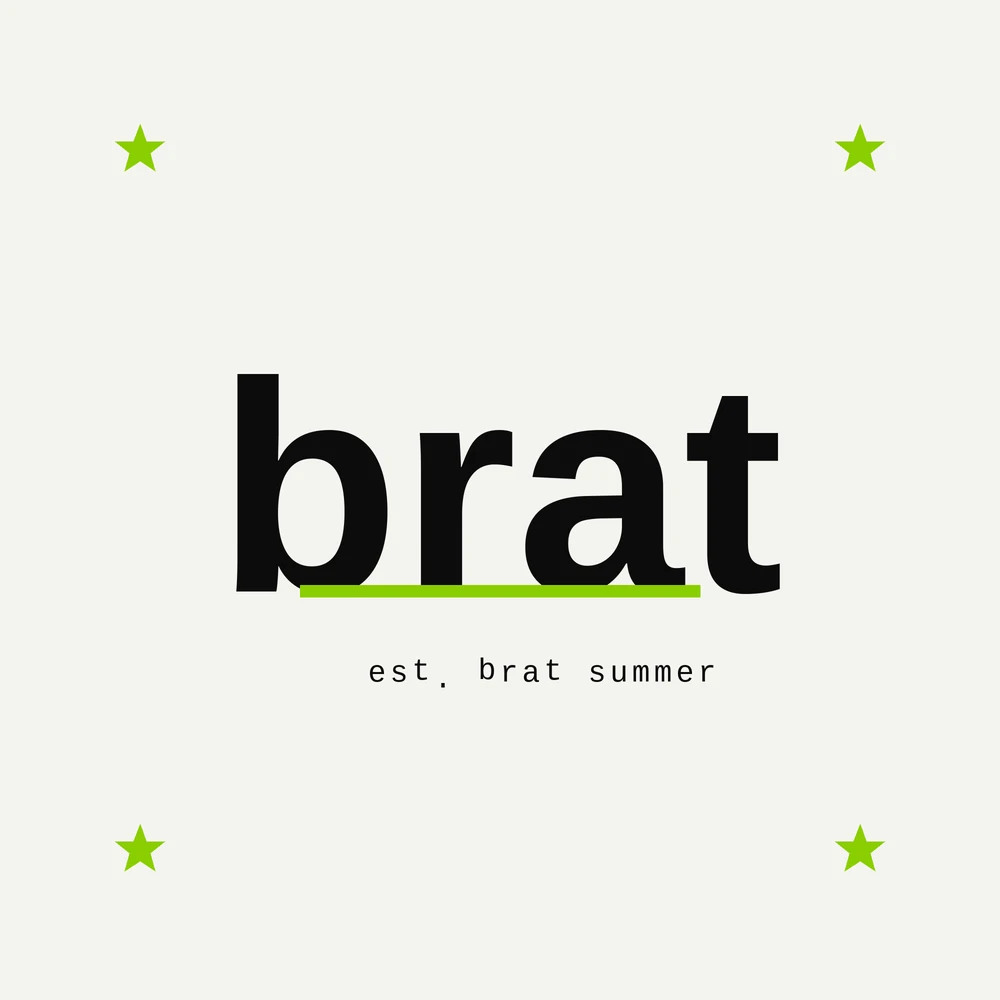
A brat logo is just your name or brand written the brat way: plain lowercase text, a bold color block, nothing else. It works for profile pictures, small brands, party flyers, and channel art — anywhere you want instant attitude.
A brat logo generator (or brat logo maker) builds one in seconds. This guide covers how it works, the settings that matter, and how to download a clean brat logo PNG for your projects.
What Makes a Logo “Brat”?
The brat logo charli xcx fans copy comes straight from the album cover: simple text, slightly rough edges, on a flat lime green square. There is no icon, no gradient, and no decoration.
That plainness is the brand. A brat logo says the name is enough — no design team required. It is closer to a stamp than a traditional logo, which is why it suits personal brands, fan pages, and small shops.
The typeface does the heavy lifting. Our notes on the brat logo font match the album’s simple sans-serif; keep letters lowercase and spacing natural for the authentic look.
How to Use a Brat Logo Generator
Type your name, handle, or brand word into the generator. One or two words work best — the style needs empty space around the text to read as brat.
Pick your background color. The default lime green is the classic choice, but black, white, pink, and custom colors all keep the same feel. Set the text color to black or white for contrast.
Then choose your download. A square PNG fits profile pictures and posts. If the tool offers size options, take the largest — you can always shrink a logo, but enlarging a small one makes it blurry.
It really is that quick with a free brat generator — type, color, download, and your logo is ready before your coffee cools.

Getting a Transparent Brat Logo PNG
For overlays and merch mockups, you want a brat logo transparent file. This version has no background at all — just the text — so it sits cleanly on photos, videos, and products.
Choose the transparent option in the generator before downloading, and make sure the file type is PNG. JPG files cannot hold transparency, so a “transparent JPG” will arrive with a white box instead.
A white-text transparent version is the most flexible: it reads well on dark photos, green backgrounds, and printed items. Black text is better for light designs.
Where to Use Your Brat Logo
Profile pictures are the most common home: Discord, TikTok, Twitch, and group chats all suit the square format. The brat name style generator is handy here too, styling your actual name in the same look.
Beyond avatars, fans use brat logos on party invitations, playlist covers, sticker designs, and small-business packaging. The style is deliberately unpolished, so it fits playful brands better than formal ones.
For print pieces, pair your logo with a matching poster layout — the brat poster maker keeps the same colors and font, so the set looks designed together.
Tips for a Logo That Still Looks Good Small
Logos live at tiny sizes, so test yours as a thumbnail. If the text is still readable at avatar size, the design works.
Keep words short. Handles and single words survive shrinking; full business names usually do not. If your name is long, use initials in the same brat style.
Finally, save a master copy at full size and export smaller copies as needed. Our roundup of the best brat generator tools compares generators by output quality if you want the sharpest files.
FAQs
Is a brat logo generator free?
Yes. Brat logo generators are free to use, with no sign-up for a basic download. You type your text, style it, and save a PNG in under a minute.
Can I download a brat logo with no background?
Yes. Choose the transparent background option and download the PNG. That file contains only your text, so you can place it over photos, videos, or designs.
Can I use a brat logo for my small business?
Many small, playful brands do. Keep in mind the style copies a famous album look, so it suits fan projects, parties, and casual brands best. For a registered trademark, a fully original logo is safer.
What is the brat logo font?
It is a plain, narrow sans-serif very close to Arial, set in lowercase. Generators apply it automatically, so you never need to install or identify the exact font yourself.
Why does my brat logo look blurry?
You probably downloaded a small size. Re-export at the largest size the generator offers, and avoid screenshots. A full-size PNG stays sharp on posts, prints, and profile pictures.
Conclusion
A brat logo generator turns any name into the green-square look in seconds — no designer, no software, no cost. Keep the text short, export a big transparent PNG, and your logo will work everywhere from avatars to party flyers.


2 Comments