
10 Best Brat Generator Tools in 2026 (Free & Paid)
If you want the brat look without opening Photoshop, a brat generator does the heavy lifting for you. These tools recreate the iconic lime-green aesthetic – the blurry Arial text, the low-res cover style, the meme-ready layouts – in seconds.
But not all generators are equal: some are free with no watermark, while others charge for extra fonts and templates. So what is a brat generator, exactly, and which one should you use? We tested the most popular options to find the 10 best brat generator tools in 2026, starting with the one on this very site.
How We Compared
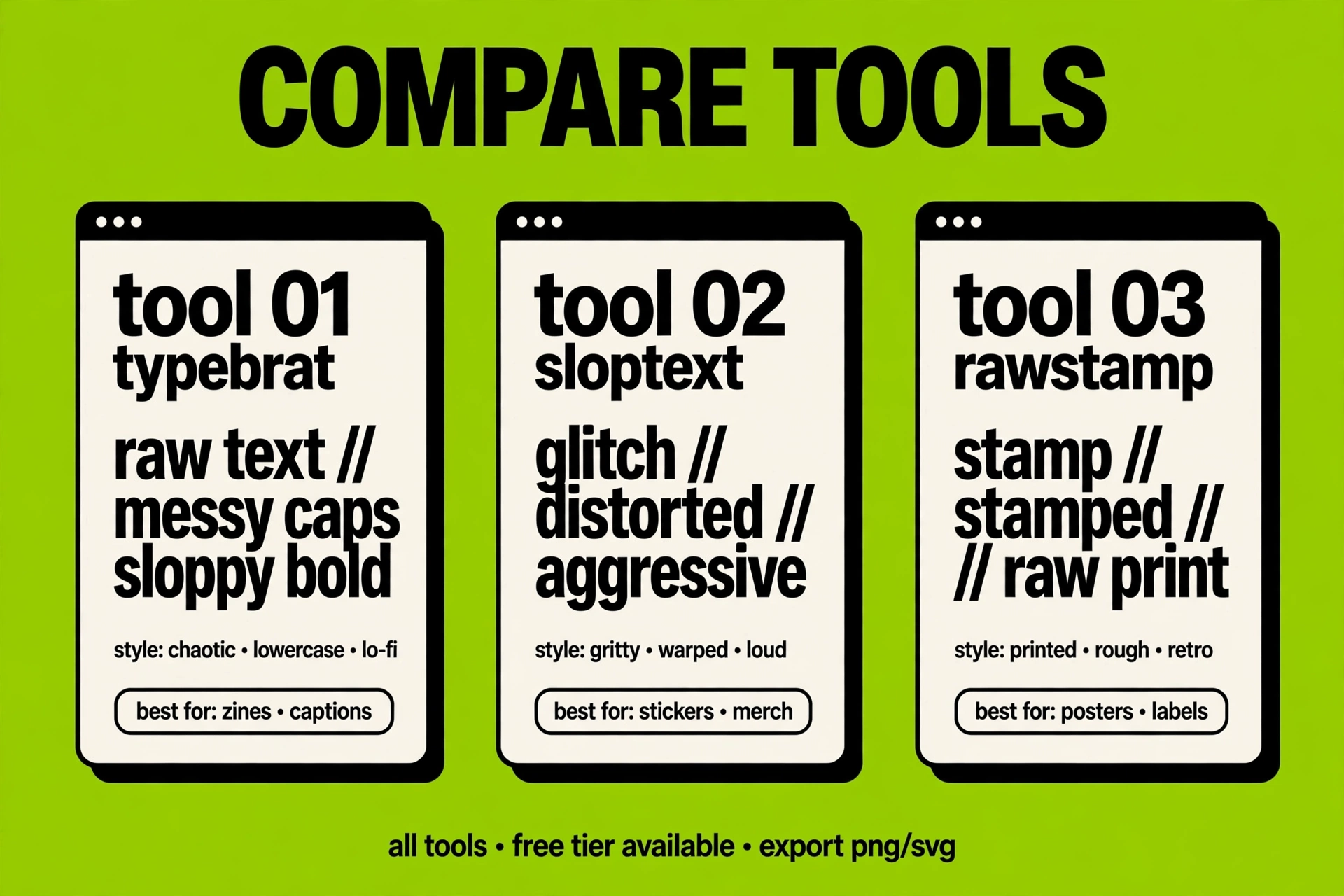
We judged every tool on the same five things: ease of use, output quality, free vs paid features, watermarks, and mobile friendliness. A great generator should let you type your text, tweak the style, and download a clean image in under a minute – no account, no design skills, no watermark slapped across your meme. Tools that nailed all five scored highest, and tools that locked basic features behind paywalls dropped down the list.
The 10 Tools
1. Brat Generator Now (Free)
Our own generator – and yes, we are biased, but hear us out. It is free, requires no sign-up, and produces crisp brat-style text and covers with adjustable blur, colors, and layouts.
It runs entirely in your browser and works great on mobile, which makes it the fastest way to make a brat meme or a fake album cover. If you are new to this, our guide on how to use the generator will have you making covers in minutes.
Pros: completely free, no watermark, no account needed, mobile-friendly. Cons: none we could find – we built it.
2. Bratify Studio
An online brat text maker with extra font packs and background textures beyond the classic green. The template gallery is its biggest strength, though the free plan stamps a small watermark on exports.
Pros: large template library, extra fonts. Cons: watermark on the free plan.
3. MemeCanvas
A general-purpose meme generator with a dedicated brat preset. It is a solid pick if you make lots of different meme formats and want brat as one option among many, but the brat-specific controls are fairly basic.
Pros: huge template library, versatile. Cons: limited brat customization.
4. CoverCraft AI
An AI cover-art tool with a brat mode that generates full cover layouts from a text prompt. Exports look sharp at high resolution, but you only get a handful of free renders before it asks you to pay.
Pros: high-res exports, AI-generated layouts. Cons: paid after a few free renders.
5. PixelText
A minimalist text-on-color generator that does one thing well: clean text over flat colors, brat green included. There are no meme layouts or cover templates, so what you see is what you get.
Pros: dead simple, fast. Cons: no meme layouts or templates.

6. GreenScreen Memes
A mobile app built for brat-style captions and quick shares to social apps. It feels great on a phone, but the free version shows ads between exports.
Pros: excellent mobile experience. Cons: ads in the free version.
7. TypoLab
A typography playground with precise blur, tracking, and distortion controls for recreating the brat look by hand. Powerful, but expect a learning curve if you have never touched type settings before.
Pros: precise styling control. Cons: learning curve for beginners.
8. ViralPost Maker
A social media template tool with brat-themed layouts sized for Instagram and TikTok. Handy if you post a lot, but it requires an account before you can export anything.
Pros: perfectly sized for social feeds. Cons: account required.
9. RetroCover
Focused on Y2K and brat cover templates with an authentically low-fi, compressed look. The free tier is generous to try, but monthly exports are limited.
Pros: authentic low-fi aesthetic. Cons: limited free exports.
10. QuickBrat
The most bare-bones option here: type your text, hit one button, download. It is the fastest tool on this list and ideal for a quick joke, but there is almost nothing to customize.
Pros: fastest option, zero learning curve. Cons: barely any customization.
Which Should You Pick?
For most people, a free no-watermark tool is all you need. Start with the generator on this site and only look elsewhere if you want extras like AI backgrounds or animated text.
Beginners should pick the simplest option with the fewest settings, while designers who want control should pick one with manual blur and spacing controls. If you mostly create on your phone, prioritize a tool with a proper mobile layout over desktop-only power features.
Free vs Paid
Free generators cover the core job: brat text on green, ready to share. Paid plans mostly add higher resolutions, extra fonts, batch exports, and watermark removal.
Unless you are making covers for actual music releases or client work, the free tier is plenty. To compare the no-cost options side by side, see our roundup of free alternatives.
The bottom line: you do not need to pay for the brat look. Pick one free tool, learn its two or three settings, and you can make unlimited covers and memes. Start free, and upgrade only if you hit a real limit.
What is the best brat generator?
The best all-around option is the free generator on this site: no sign-up, no watermark, and it works on mobile. If you need extras like AI backgrounds or animated exports, one of the paid tools in our top 10 may suit you better.
Are there free ones?
Yes – several tools on this list are completely free, including the generator here at Brat Generator Now. Free plans usually cover the core brat text and cover styles, while paid tiers add resolution, fonts, and batch features.
Which is easiest for beginners?
Pick a tool with a single text box and a download button – no settings to learn. The generator on this site and QuickBrat are the most beginner-friendly options we tested.
Can I use them on mobile?
Most modern brat generators work in a mobile browser, and a few have dedicated apps. We factored mobile-friendliness into our rankings, so the top picks all work well on phones.



2 Comments