
Brat Meme Maker: Create Memes in Seconds
Some memes take hours. A brat meme takes about a minute — if you have the right tool. A brat meme maker lets you drop text onto that iconic lime-green background (or your own photo) and export a shareable image in seconds.
This guide covers what a brat meme maker actually does, how to make your first meme in 60 seconds, and the caption tricks that make people hit share. No design skills required. It works on your phone, it works on your laptop, and the learning curve is exactly zero. Open the editor on the Brat Generator Now homepage
What Is a Brat Meme Maker?
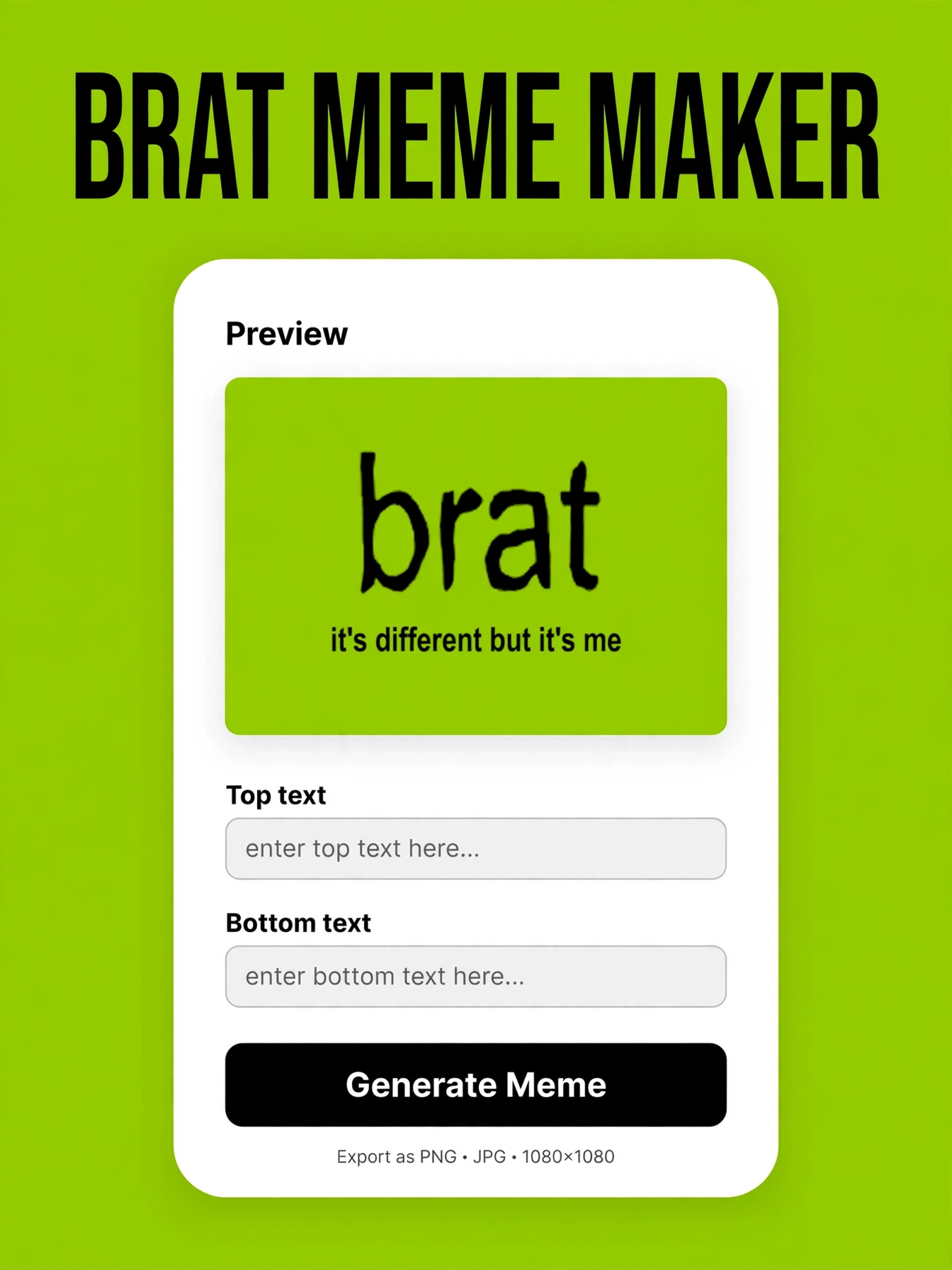
A brat meme maker is a simple image tool built for one job: turning your words into a meme that looks like it belongs on the brat album cover. Most give you the signature blurry lime-green background, a text box with the right font, and an export button.
The best ones also let you upload your own photo, tweak the colors, and download in high resolution. Unlike full design apps, there is no learning curve — you open it, type, and download. It is the fastest possible route from a funny thought to a finished image.
They are popular because they remove every excuse. You do not need Photoshop, an account, or even an idea — many makers include caption suggestions to get you started. The format is so recognizable that the joke lands before anyone finishes reading the text.
The classic look is deliberately low-effort: slightly blurry text, plain Arial, and that unmistakable green. That roughness is the point — a brat meme that looks too polished stops being funny. The best makers recreate this aesthetic exactly, so your meme reads as authentic the second someone sees it.
How to Make a Brat Meme in 60 Seconds
Here is the whole process, start to finish. First, pick your base: the classic lime-green background or your own photo. Second, write your caption before you open the tool — short, lowercase, and confident.
If you are stuck, steal one from our list of brat meme ideas. Third, drop the text onto the image and nudge it until it reads well at thumbnail size. Fourth, export as PNG and check the final image on your phone.
Fifth, post it. That is the entire workflow, and once you have done it twice it genuinely takes under a minute. For a slower click-by-click walkthrough, here is how to use a brat generator.
Best Free Meme Makers
Not all meme makers are equal. The good free ones share three traits: no watermark, no signup wall, and instant downloads.
Look for the authentic brat background, adjustable text size and position, and the option to upload your own images. Avoid anything that locks exports behind an account or stamps a logo across your meme — your group chat deserves better. Start with a proven layout from our collection of brat meme templates so the design does the heavy lifting, and only consider paid tools if you are producing memes at industrial scale.
If you plan to post regularly, bookmark two or three makers so you always have a backup when one is down. And save your favorite settings — consistent text placement becomes your signature style.
Caption Formulas That Work
Great captions are not random — they follow formulas. Try these: the confession (“me after my third iced coffee”), the contradiction (“soft launch of my villain era”), the overstatement (“certified menace, unpaid”), and the group-chat roast (“this is so like you it hurts”).
Keep every caption under ten words and write in lowercase. When the well runs dry, the Brat Caption Generator spits out fresh lines in one click — pair it with the formulas above and you will never stare at a blank text box again.
Two more formulas worth stealing: the fake announcement (“important update: i am the moment”) and the humble brag (“effortlessly iconic, unfortunately”). Mix and match these formulas with your own specifics and you will have a month of captions in one sitting.
Sharing & Going Viral
A good meme dies in your camera roll — post it. Instagram Stories and TikTok are where brat memes travel fastest, but the group chat is the real testing ground. Post in the evening when people are scrolling, add three to five relevant hashtags, and reply to early comments to keep the momentum going.
And remember: volume beats perfection. The accounts that blow up post ten average memes for every great one. Make it, post it, make the next one.
Cross-post the same meme to every platform; what flops on Instagram might explode on TikTok. Save your best performers and repost them months later — most of your audience never saw them the first time.
A brat meme maker turns a funny thought into a shareable image in under a minute. Pick your tool, write a caption with confidence, and post before you overthink it.
Your funniest meme is the one you actually publish. Bookmark this guide, keep a running list of caption ideas on your phone, and the next time inspiration strikes you will be posting within the minute.
What is the best brat meme maker?
The best one is free, adds no watermark, and lets you download instantly without signing up. Look for the authentic lime-green background, adjustable text, and the option to upload your own photos. The generator on this site covers all of that — start there before trying anything else.
Is it free?
Yes. Every tool and trick in this guide is free. You do not need a paid app or a subscription to make brat memes — a free maker, a good caption, and sixty seconds are all it takes.
How long does it take?
About 60 seconds once you know the steps: pick a base, add your caption, position the text, and export. Your first meme might take three minutes while you explore the buttons. After that, it is muscle memory.
Can I add my own photo?
Yes — most brat meme makers let you upload your own image as the background instead of the classic lime green. It works best with high-contrast photos where the text stays readable. Just make sure you have the rights to any photo you publish.




One Comment